Apparently I’m still trying to avoid using the Salesforce web interface.
Back in 2021 I wrote a post about automating Salesforce with Python. At the time I was using simple-salesforce to query my opportunities, figure out which ones needed updates, and avoid clicking through Salesforce Lightning over and over again.
The basic philosophy hasn’t really changed:
Do what you like to do and automate the things you don’t like to do.
What has changed quite a bit is how I want to interact with the data.
Instead of writing a new Python script every time I want to answer a question, I want to be able to say something like:
Show me all of my open opportunities that haven’t been updated in the last 30 days.
Or:
Find the opportunity for Acme and show me its recent field history.
Or potentially:
Update the next-step field on this opportunity with this text.
LLMs are actually pretty good at figuring out the query needed to answer those questions. The problem is getting them connected to Salesforce in a useful way. So, of course, I wrote an MCP server. The code is here:
https://github.com/khensler/sfdc_mcp
MCP?
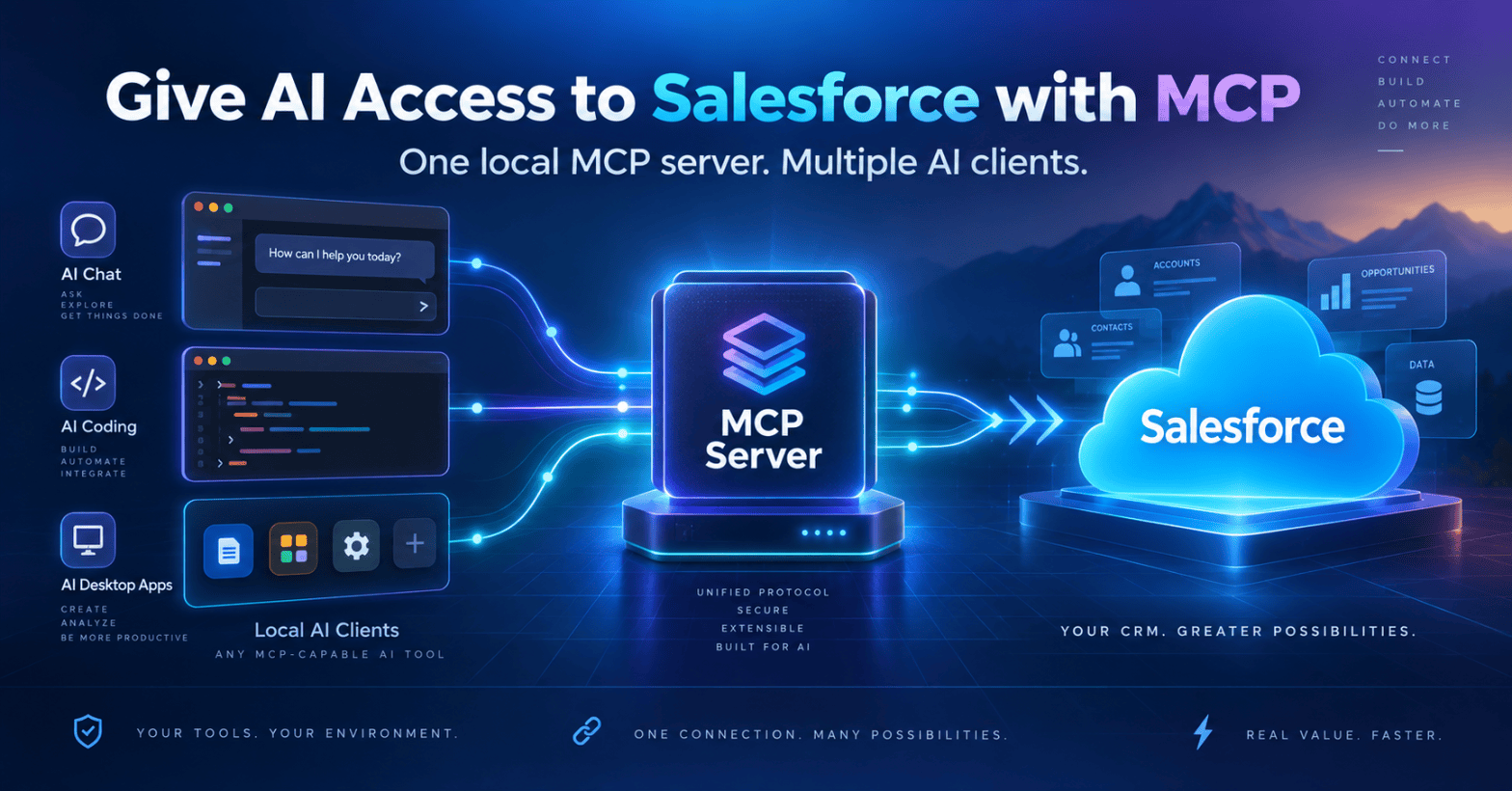
MCP is the Model Context Protocol. At a very high level it gives an AI client a standardized way to call external tools. Instead of building a Salesforce integration specifically for one AI product, I can expose a set of tools through MCP and let any compatible client use them. That includes Claude Code, but the server itself is not really Claude-specific. Any system that supports connecting to local MCP servers should be able to use the same tools. The server exposes things like:
sfdc_list_objectssfdc_describe_objectsfdc_querysfdc_searchsfdc_opportunity_historysfdc_create_recordsfdc_update_record
The AI client can then decide which tool it needs based on what I’m asking. That means I don’t really have to care that Salesforce has hundreds of objects with a ridiculous number of fields. I can say:
Find the opportunities associated with Example Customer.
The model can discover the appropriate Salesforce objects and fields, construct SOQL or SOSL, run the query, and work with the results. That is a much nicer interface than me remembering:
SELECT Id, Name, Account.Name, StageName, AmountFROM OpportunityWHERE ...
I still like SOQL. I just don’t particularly want to write it every time.
Why Making It Generic Matters
This is one of the things I like most about MCP. The Salesforce integration doesn’t need to know much about the AI application sitting in front of it. The MCP server does one job:
AI client | | -> MCP |Salesforce MCP server | | -> REST API |Salesforce
The client could be Claude Code today.
It could be another desktop AI application tomorrow.
It could be a local agent I write myself.
It could be some future tool that doesn’t exist yet.
As long as the client knows how to connect to a local MCP server, the Salesforce side doesn’t have to change. That separation is important. Without something like MCP, every combination potentially becomes its own integration:
Claude -> SalesforceClient B -> SalesforceClient C -> SalesforceMy custom agent -> Salesforce
With MCP, the Salesforce integration becomes reusable:
Claude --------\Client B -------\Client C --------> MCP -> SalesforceCustom agent ---/
Obviously the individual clients still have to implement MCP correctly, and they may expose different security or approval controls around tool usage.
But the actual Salesforce integration no longer has to be rewritten for every AI client.
The Slightly Weird Authentication Part
This was actually the reason I wrote this particular implementation.
Salesforce has perfectly legitimate OAuth and Connected App mechanisms for building integrations. Unfortunately, sometimes you’re just a user of a Salesforce instance and you don’t control any of that.
I can log into Salesforce.
I can use Salesforce.
I can query Salesforce.
But getting someone to create an OAuth application so I can play with my little AI project may be considerably more complicated. The browser already has an authenticated Salesforce session though. So sfdc_mcp can use the Salesforce sid session cookie from an existing browser login. You log into Salesforce normally, grab the sid cookie from the browser developer tools, and give the tool:
SFDC_SESSION_IDSFDC_INSTANCE_URL
That’s it.
No Connected App.
No OAuth configuration.
No separate Salesforce password.
The MCP server makes Salesforce REST API calls using the authenticated session you already have. There is an obvious downside. That cookie is basically the keys to whatever your Salesforce account can access. Treat it like a password. Don’t put it in GitHub. Don’t paste it into logs. Don’t send it to someone.
The repo deliberately ignores the local configuration file containing the session ID.
The other downside is that Salesforce sessions expire. When that happens you grab a new sid cookie. For what I’m doing, I’m OK with that tradeoff. This isn’t intended to be a production integration platform. It’s a way for me to give a local tool access to Salesforce using my existing permissions.
What Can It Actually Do?
There are two major groups of MCP tools right now.
Reading Salesforce
The server can discover the Salesforce schema instead of requiring everything to be hard coded.
It can list queryable objects:
sfdc_list_objects
Describe an object’s fields:
sfdc_describe_object
Run SOQL:
sfdc_query
Run Salesforce full-text searches using SOSL:
sfdc_search
And export larger query results directly to CSV or JSON files.
One particularly useful tool for me is:
sfdc_opportunity_history
That reads OpportunityFieldHistory so I can ask things like:
What changed on this opportunity recently and who changed it?
instead of clicking through Salesforce trying to reconstruct what happened.
It Can Write Too
This is where things get more interesting.
The server exposes:
sfdc_create_recordsfdc_update_record
So an AI agent can create or modify Salesforce records. I deliberately did not expose delete as an MCP tool. The underlying Salesforce client has delete functionality, but making:
delete whatever you think I don't need
an available LLM tool seemed like an unnecessary amount of excitement. The MCP server also tells the model to query and confirm the Salesforce record ID before making an update. Is that an absolute security boundary? No. It’s an instruction to the agent. You should still look at what an AI is changing before letting it loose on important Salesforce data.
The Interesting Part Isn’t Salesforce
This is the part that I think is going to become more important. Salesforce isn’t particularly special here. There has always been an API. I’ve been querying it with Python for years. The difference is the interface sitting in front of the API. Before, I would think:
I need a report showing opportunities matching these conditions.
Then:
What objects contain that information?What are the field names?What relationships do I need?What does the SOQL look like?How do I format the result?
Then I’d write a script. Now I can describe the information I want. The model can inspect the schema, build the query, execute it, inspect the result, and potentially perform another query based on what it learned. That’s a pretty significant change. MCP essentially turns APIs into a collection of capabilities the model can reason about. And because those capabilities are exposed through a standard protocol, I’m not necessarily tying the integration to one particular AI client. Salesforce just happens to be a really good example because Salesforce data models tend to become enormous.
CLI Too
I also kept the Salesforce client usable without MCP.
For example:
python sfdc_export.py --objects
or:
python sfdc_export.py --describe Opportunity
or:
python sfdc_export.py --query \"SELECT Id, Name, StageName, Amount FROM Opportunity WHERE IsClosed = false"
You can export the result directly to CSV or JSON as well.
So if the AI apocalypse happens I’ll still be able to query Salesforce from Bash.
Important contingency planning.
Setting It Up
Clone it:
git clone https://github.com/khensler/sfdc_mcp.gitcd sfdc_mcp
Create a Python virtual environment and install the requirements:
python -m venv venv
Then activate it and:
pip install -r requirements.txt
Log into Salesforce in your browser.
Open the browser developer tools and find the Salesforce cookie named:
sid
Then run:
python sfdc_export.py --setup
Give it the session ID and your Salesforce instance URL.
Test it:
python sfdc_export.py --test
At this point, connect sfdc_mcp_server.py to whatever MCP-capable client you want to use.
For example, with Claude Code on Linux or macOS:
claude mcp add sfdc "$PWD/venv/bin/python" "$PWD/sfdc_mcp_server.py"
Or on Windows PowerShell:
claude mcp add sfdc "$PWD\venv\Scripts\python.exe" "$PWD\sfdc_mcp_server.py"
Other MCP-capable applications will have their own way of registering a local stdio MCP server, but the basic configuration is the same:
command: Python interpreterarguments: sfdc_mcp_server.py
The important part is that the Salesforce MCP server itself doesn’t need to change depending on which compatible client is using it.
Five Years Later
My original Salesforce automation solved a very specific problem.
Find records.
Apply some logic.
Update the records.
It worked, and it saved me a bunch of time. This is basically the same idea with a much better interface. Instead of writing automation for every individual workflow, I’m exposing the underlying system to an agent and letting the agent compose the workflow from smaller tools. That doesn’t eliminate code. It changes where the code lives. I still have to build the Salesforce client. I still have to deal with authentication. I still have to expose sensible operations. I still have to decide which operations I don’t want an AI to have. But once that plumbing exists, a surprisingly large number of little Salesforce scripts become questions I can just ask. And because that plumbing is MCP rather than a client-specific integration, I should be able to use it with whatever local AI tools I happen to be using next.
When this really get powerful is when the agent has access to your email, call transcriptions, chats. Things like “update the opportunity with the information from the last call/email/chat had with the client” are really really interesting. No more trying to keep records up to date. No more administrative headaches. Now should you use this? Maybe. Would Salesforce approve? Probably not. Will your org approve? Probably no. Will they know????? I don’t have to use Salesforce that much right now so it’s not that big a deal for me. I’ve for sure used it for some analytics that I otherwise wouldn’t have been able to do. What kind of trouble you can get into?

